Substack to your own domain
By BeeRanked · November 3, 2026
Substack is a newsletter tool with a website attached, and that order shows when the goal is search traffic. The archive lives on a substack.com subdomain, or on a custom domain that changes the address and nothing else, and the controls a blog needs are thin. Substack documents its custom domains, its SEO controls and what leaving involves; a setup that keeps the newsletter while moving the archive to a site you own follows from them. Every Substack quote comes from support.substack.com, read in September 2026.
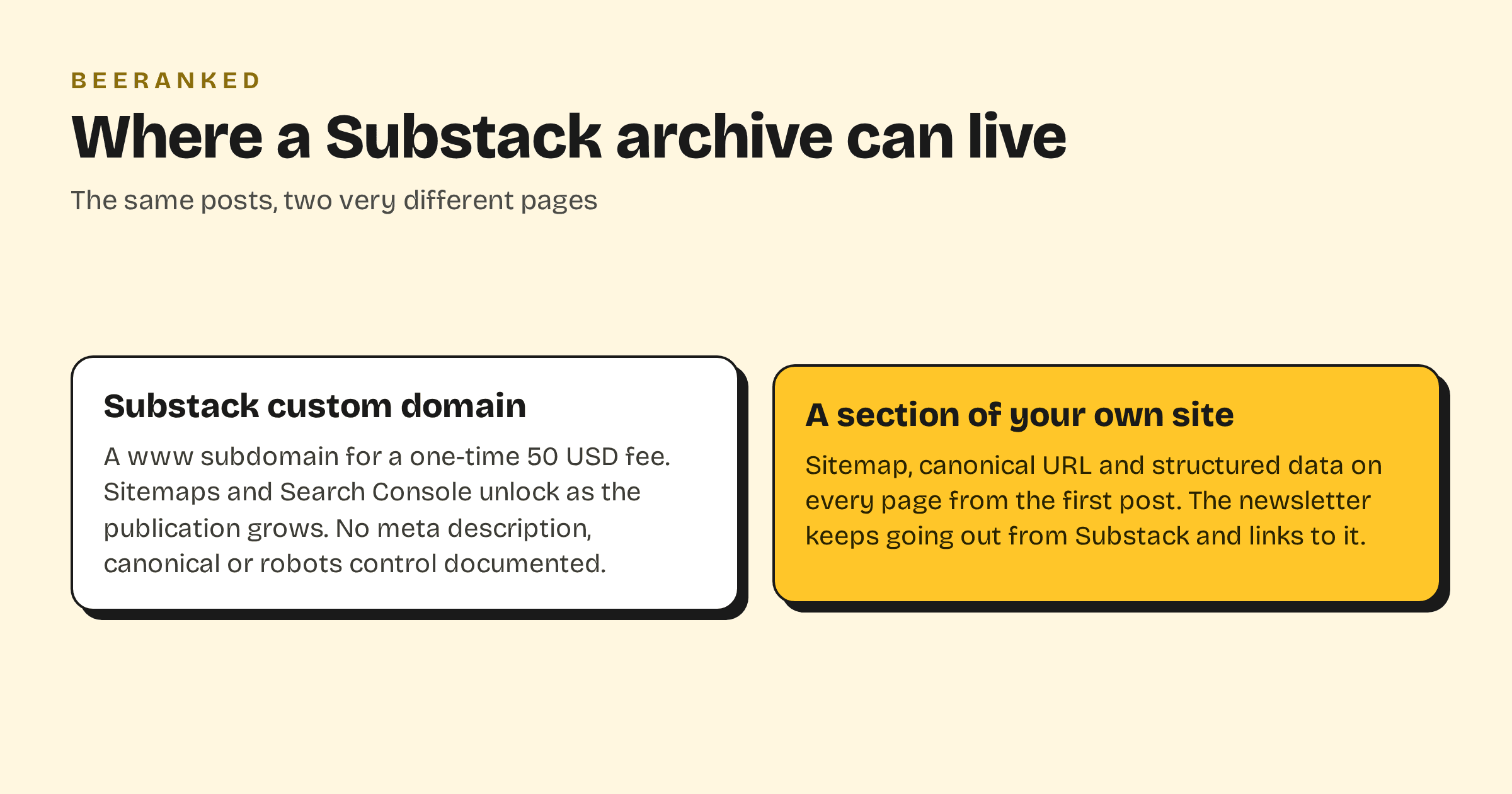
What a custom domain on Substack changes
Substack "charges a one-time $50 USD fee to use a custom domain for your publication", set up with a CNAME record, and "it can take up to 36 hours to fully configure". The domain has to be a subdomain: Substack requires the publication to "be hosted by a subdomain such as www", and suggests "a 301 redirect to forward the root domain version of your custom domain to your newsletter". Email keeps its old sender: "The newsletters will always be sent [publicationdomain]@substack.com."
That is the whole change. The site behind the address is the same Substack site, which brings up the second question.
What Substack documents about SEO
The help centre's SEO article says: "Some SEO features, such as sitemaps and Google Search Console verification, become available as your publication grows; publishing regularly, growing your subscriber list, and enabling paid subscriptions all help unlock them." The one per-post control it documents is the slug, under a post's SEO Options: "A URL slug can only contain lower-case letters, numbers, and dashes and must be between 2 and 48 characters long." We found no help article on meta descriptions, canonical tags or robots rules. Substack's own advice is that "The best way to improve your SEO ranking is to get more inbound links to your Substack publication."
That is enough for a newsletter whose readers arrive by email. A body of articles meant to rank for what people search needs a sitemap from the first post, a meta description per page and structured data, and none of those is documented.
Keep the newsletter, move the archive
Nothing forces a choice between Substack and a blog you own. The newsletter keeps going out from Substack, and the articles live on your site, where search engines read them with the full technical SEO.
Import. Paste your publication's URL into the BeeRanked importer. Substack publishes a feed at your.substack.com/feed; the importer reads it and the sitemap where one exists, crawls the archive pages for the rest, and turns each post into a draft with its title, date and images. In our test on a Substack publication, 29 posts came across. Substack's own export, "A zip file containing your publication's data" from Settings, then Exports, is the backup copy.
Publish the archive under your domain, at yoursite.com/blog or on a subdomain of it, on a plan that includes your own domain. Subdomain or subfolder for your blog has the trade-off.
Turn the order around. From now on, publish on your site first and send the newsletter as a short email that links to the article. Substack posts have no canonical setting we could find, so a full copy on Substack would compete with the original; a link does not.
Leave the old posts where they are. Substack documents no redirect away from a publication, and deleting it is final: "your content and email list will be permanently deleted". The old URLs keep serving, the new site earns the rankings, and a line at the top of each old post pointing at the new address helps readers find the current version.
What you keep and what you gain
You keep the subscriber list ("Anything you publish on Substack is yours to own", and subscribers export as a CSV), the sending, the Substack network, and any paid subscriptions, with Substack's "10% of each transaction" and Stripe's fees on top. You gain a blog on your own domain with a sitemap, a canonical URL and structured data on every page, 301 redirects when a URL changes, and translations if you want them. How to add a blog to the website you already have covers the mount itself.