Subdomain or subfolder for your blog
By BeeRanked · August 11, 2026 · Updated September 12, 2026
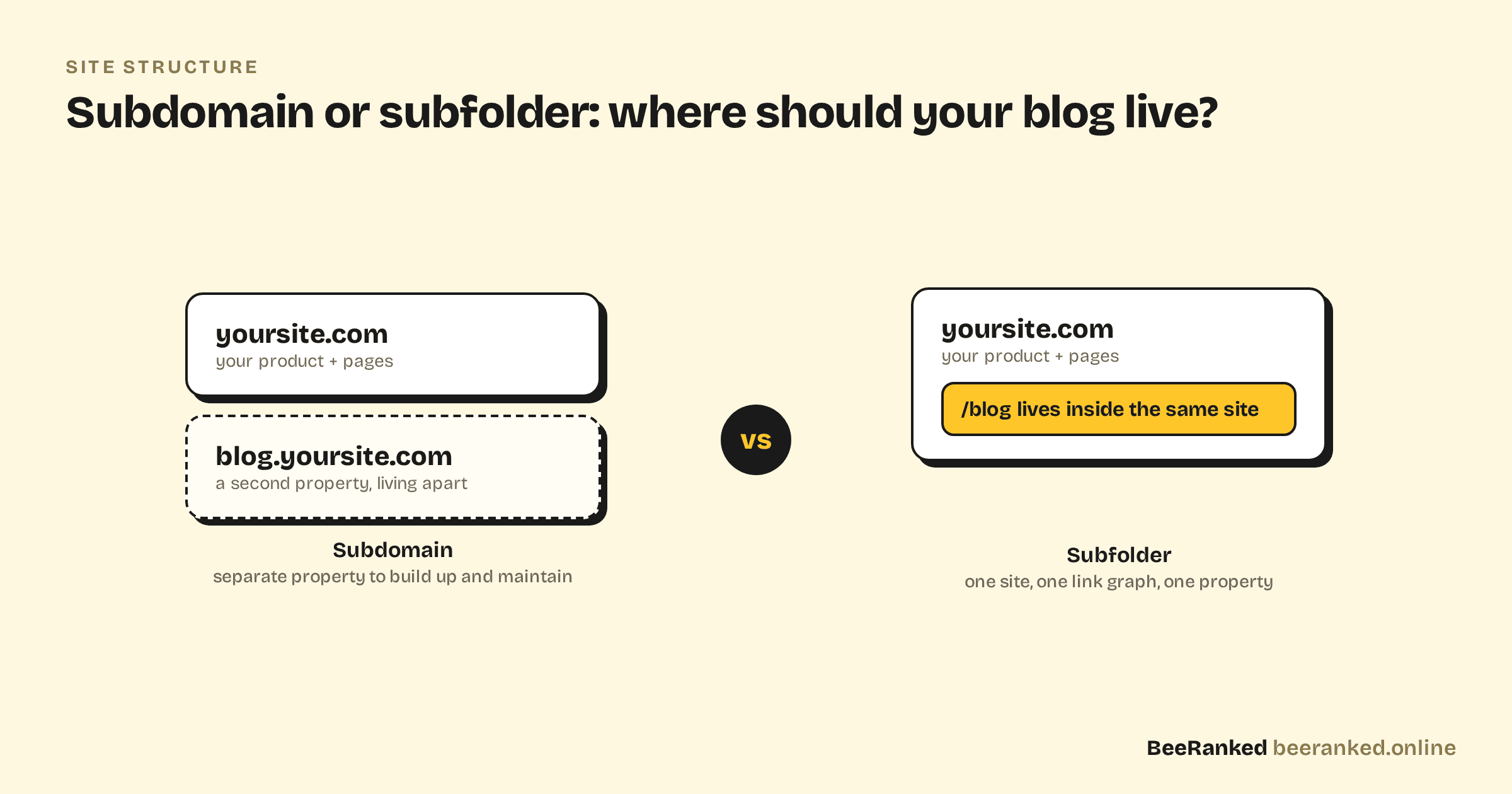
Ten minutes into planning a company blog, someone asks the question that has kept SEO forums busy for fifteen years: should it live at blog.yoursite.com or at yoursite.com/blog?
This post covers what Google says, where the two structures differ in practice, and why teams that wanted the subfolder end up on a subdomain anyway.
What Google says
Google's position has been consistent for years: it can crawl, index, and rank both. Google's John Mueller put it plainly: "Using subdomains or subfolders doesn't make any difference to Google."
The same Ahrefs analysis makes a second point worth keeping: the famous "we moved to a subfolder and traffic doubled" case studies almost never isolate the move itself. Sites that migrate usually fix internal linking, prune dead pages, and refresh content in the same project, so the structure change cannot be credited alone.
There is no ranking bonus for subfolders. The differences live one level down.
Where the differences are
Interconnection is not automatic. A subdomain only benefits from your main site's authority if the two are linked together. As Ahrefs notes, subdomains that are not interlinked with the main site can be treated as separate sites. A subfolder never has this problem, because there is nothing to connect: it is the same site.
You maintain two properties in practice. A subdomain means a second thing to configure everywhere: its own Search Console view, its own analytics setup, often its own deployment and SSL story. None of it is fatal, and a subfolder has none of it.
Links you earn concentrate in one place. Every mention of a subfolder post points at your main domain. With a subdomain, you are asking Google to understand a relationship instead of seeing one site with one internal link graph.
Pick the subfolder when you can. Google hands out no reward for it, and it removes a class of setup questions you would otherwise keep answering.
Why blogs end up on subdomains
The reason is engineering. Your main site is usually an application: a Next.js app, a Rails app, a storefront. Mounting a CMS inside it at /blog means routing rules, build pipeline changes, and a dependency your product team now owns. Creating blog.yoursite.com is one DNS record and zero risk to the main app.
That is how the decision gets made when the main site is an application. The structure that is best for content loses to the structure that is easiest to deploy, and nobody reopens the topic.
Getting the subfolder without rebuilding your site
BeeRanked removes this trade-off. Your content section is written and managed in BeeRanked, and served under any path of your own domain: yoursite.com/blog, /resources, /learn, whatever fits. Your main application is not touched. Depending on your stack it is a single reverse proxy rule, a connector, or a small self-hosted agent.
The result is one domain and one link graph, with the blog running on its own infrastructure. We wrote more about that setup in Keep your website, grow your traffic.
If your blog already lives on a subdomain
There is no need to migrate in a hurry. First, interlink generously in both directions, from your main navigation to the blog and from posts back to product pages, so the two are clearly one entity. If you do decide to move, keep the path structure identical where possible and 301 every old URL to its new home, the same discipline we describe in Keep your rankings when URLs change. The move consolidates your setup and your future links; on its own it will not double your traffic.
Choose the simple structure once and get back to publishing. The posts matter more than the URL scheme they live under.