Add a blog to a Wix site
By BeeRanked · October 27, 2026
Wix Blog comes with any Wix site and is enough for a site that posts now and then. A blog meant to bring search traffic tends to grow into more than posts: guides, documentation, several languages, and a writing tool built around search data. Every statement about Wix below is quoted from Wix's own help centre, fetched in September 2026.
What Wix Blog is
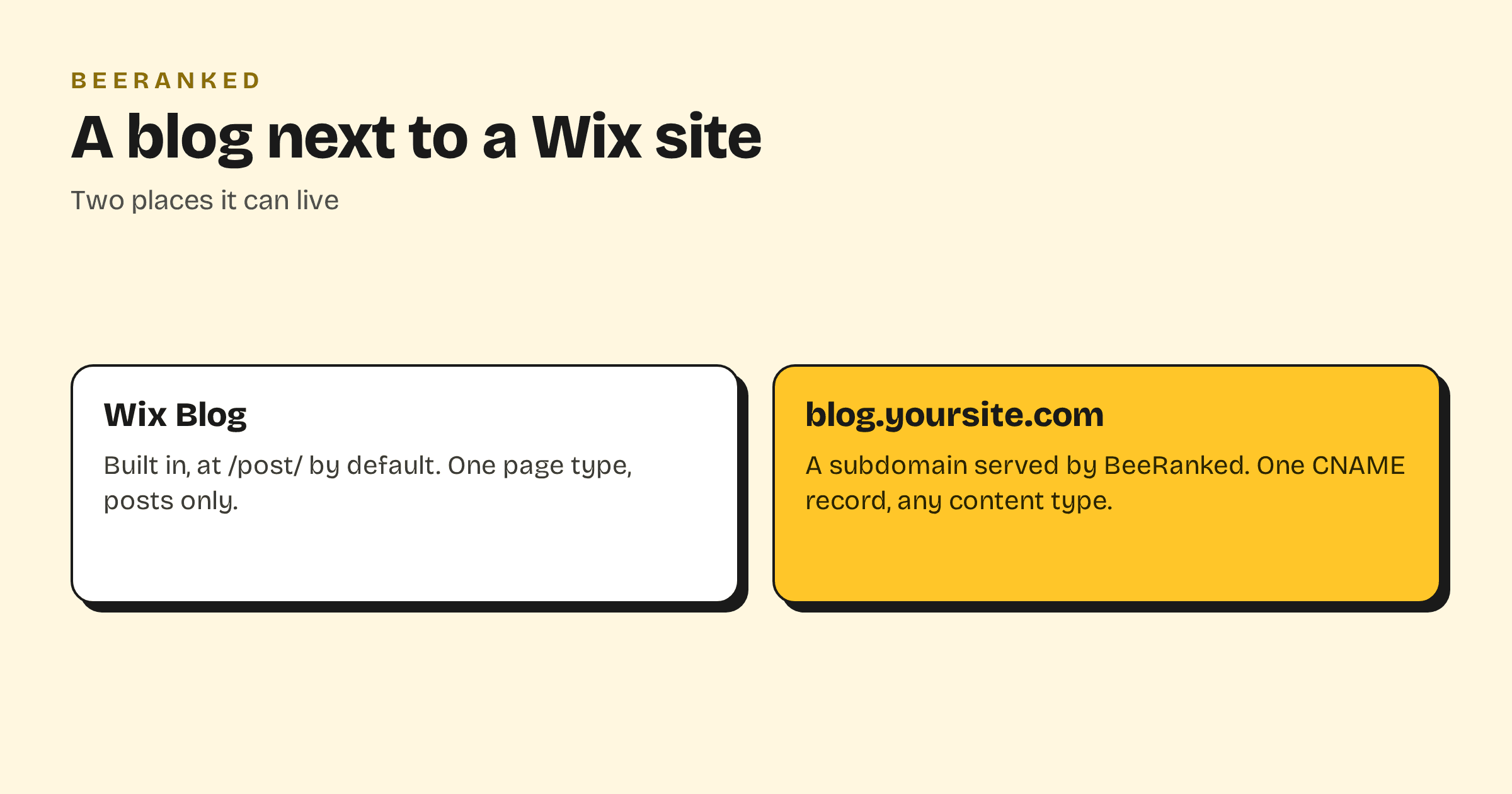
"When you add Wix Blog, 2 new pages are added to your site automatically. These pages are your Blog Feed and your Blog Post page." Post addresses follow one pattern: the default is https://domain.com/post/{post slug}, and Wix's example reads "https://mystunningwebsite.com/post/my-first-blog-post".
Wix does let you change that pattern. "For this type of URL, you can use SEO Settings to customize the URL structure of all pages of this type, including the prefix", and "By default, Wix sets up automatic redirects for your site's pages when you customize the URL structure in SEO Settings." The same page carries a warning: "Customizing your URLs incorrectly can drastically change your site and cause issues with its search engine ranking."
A subdomain with one DNS record
Wix does not document serving an outside blog under a path of a Wix site, and there is no proxy of your own to configure, so the blog goes on a subdomain. Wix's subdomain guide describes that use directly: "the address for a blog subdomain might look like this: blog.example.com", and its table lists "An external (non-Wix) website, resource, or blog" as a destination, with the instruction to "Add the required DNS records in your Wix account."
In BeeRanked, open Settings, then Connect your site, choose Subdomain and type the name, for example
blog.yoursite.com.In your Wix account's domain settings, or at your DNS host if the domain is managed elsewhere, add the record BeeRanked shows: a CNAME named
blogpointing atconnect.beeranked.online.Wait for the status to read Ready, then click Set as active.
Wix adds one note about subdomains that is worth keeping in mind: a subdomain "is still part of the main website, but it may be considered a separate site by search engines." Linking the blog from your Wix navigation, and linking back to your Wix pages from the articles, is what ties the two together. Serving on your own domain is a paid BeeRanked feature; the free plan publishes at a BeeRanked address.
What changes for the writing
The blog stops being one page type. The same section can hold posts, guides, documentation or any custom type you define, each with its own URL section. Articles can be translated into up to seven languages with hreflang in place. When a URL changes, the redirect and the internal links are handled for you. Writing happens in the studio, from an AI agent through MCP, or by importing an existing blog through its sitemap or feed. Every page ships with its structured data, an automatic sitemap and clean HTML that search engines and AI crawlers read without effort.
Which to choose
Keep Wix Blog if you post occasionally and the built-in feed does the job. Move the blog to a subdomain when search traffic is the goal and the content will grow into sections. The trade-off between a subdomain and a subfolder, and what Google has said about it, is in Subdomain or subfolder for your blog; the wider guide is How to add a blog to the website you already have.