Organize your content with categories
As you publish more, categories keep everything easy to browse, for your visitors and for search engines. They group related pages together and give each group its own landing page that can rank on its own.
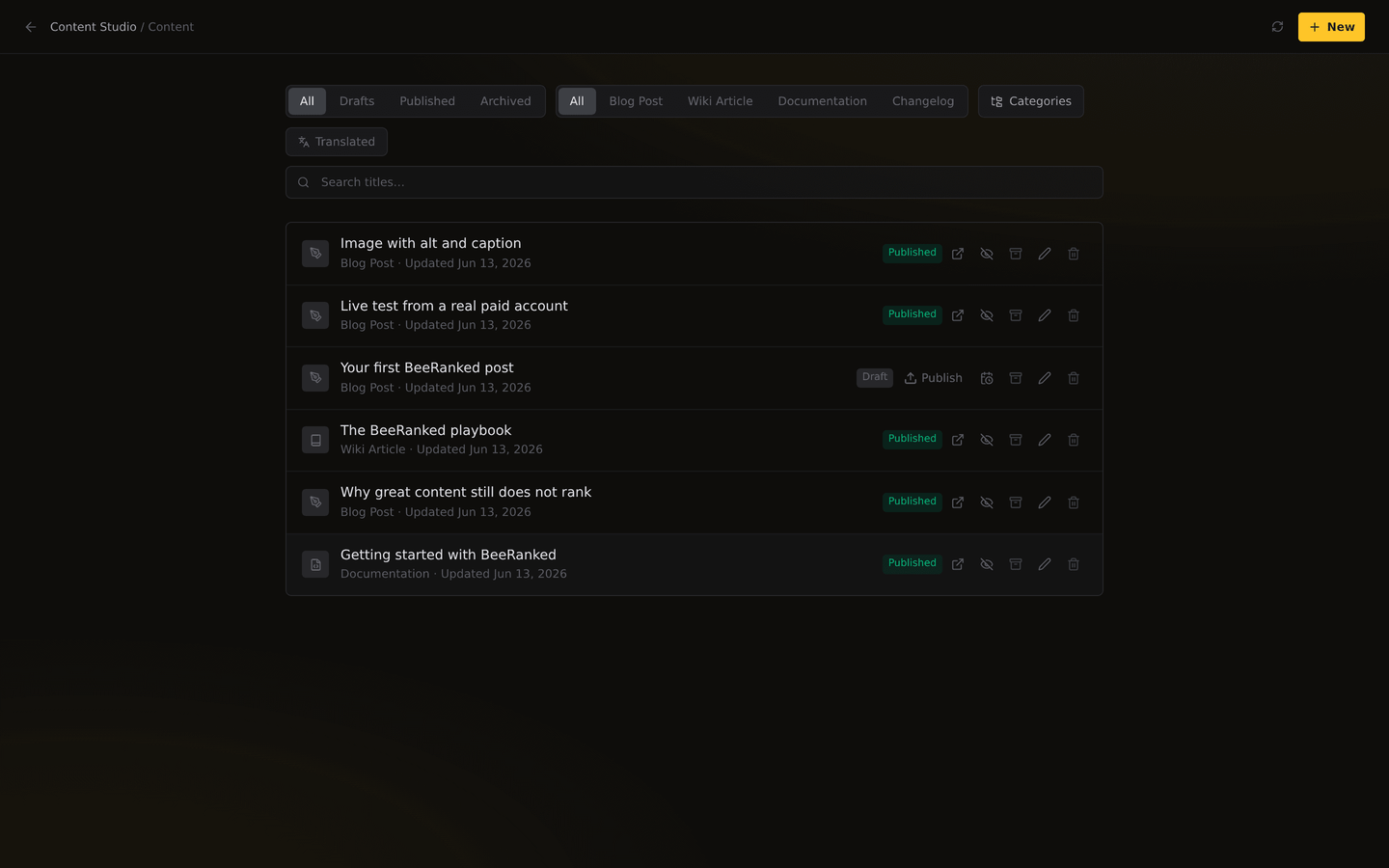
What a category is
A category is a label you attach to content of one type, blog posts, wiki articles, or docs. "Tutorials," "Product updates," and "Case studies" are all categories. Each one is scoped to a single content type and a single brand, so your blog categories and your wiki categories stay separate and tidy. Categories work the same way for any type you add yourself; see Customize your content types.
Create one
You have two easy ways:
In the editor. Open any page and use the category field, just start typing. If the category exists you pick it; if it does not, you create it on the spot.
From the content list. Filter and manage categories centrally, so you can rename one, create a new one, or move several pages into it without opening each page.
Renaming a category updates it everywhere at once, and the old links keep working.
Assign content
Add a page to as many categories as make sense. One post can be both a "Tutorial" and a "Product update." The first category you pick becomes the page's primary one, which is what its breadcrumb and category-style URL use, so choose it deliberately.
Browsable archive pages, for free
Every category gets its own page automatically, at an address like /blog/category/tutorials. It lists the content in that category, complete with its own title, description, and metadata, so it can rank for the topic and send visitors deeper into your site. You do not build these; BeeRanked generates and updates them as you publish.
That makes a category more than housekeeping. The archive page acts like a hub for a subject, which is the shape search engines reward. Group a cluster of related posts under one category and you have the makings of topical authority: a rank-worthy hub with focused pages beneath it. For why different kinds of pages deserve their own sections, read Content types that earn search traffic.
A few things worth knowing
Translations inherit categories. When you translate a page, its categories come along, and each language gets its own archive page.
Categories help crawlers, too. A clear category structure makes it easier for search engines to understand how your content fits together, which is good for rankings.
Start loose. You do not need a perfect taxonomy on day one. Add categories as themes emerge, and reorganize whenever you like; the slugs and links keep working.
Next, make those pages work harder in search: see Improve your SEO, or publish your first page if you are just getting started.
Want to try this on your own site?
Everything in this guide runs from one studio: connect your domain, publish, and the SEO side is done for you.