Content types that earn search traffic
By BeeRanked · August 18, 2026 · Updated September 12, 2026
Most company sites treat "content" as a synonym for "blog". Look at what ranks for the searches you care about and you will find a wider cast: documentation pages, glossary entries, comparison pages, case studies, changelogs. Each one exists because a different kind of search deserves a different kind of page.
This post is about that idea, and about a new BeeRanked feature built around it: content types you can define yourself.
Different questions want different pages
A person searching "how to set up X" wants a documentation page with steps. Someone searching "what is hreflang" wants a short, precise definition. Someone comparing you against a competitor wants a fair side-by-side, which is why comparison pages convert so well. And a prospect deciding whether to trust you wants proof it worked for someone else, which is the job of a case study.
Google's own guidance keeps pointing in this direction: content should demonstrate first-hand experience and depth, and the format that demonstrates it best depends on the question. A single undifferentiated blog stream flattens all of that into one shape.
Structure also compounds. When each type lives in its own section, you get clean archives, per-section categories, and a homepage hub that shows the breadth of what you publish instead of one long feed.
New in BeeRanked: define your own content types
BeeRanked has always shipped with Blog, Wiki, Documentation, and Changelog. As of this month, that list is yours to shape. From the dashboard you can restyle the built-in types or create entirely new ones, a Case Studies section, a Tutorials section, a Glossary, whatever your audience searches for.
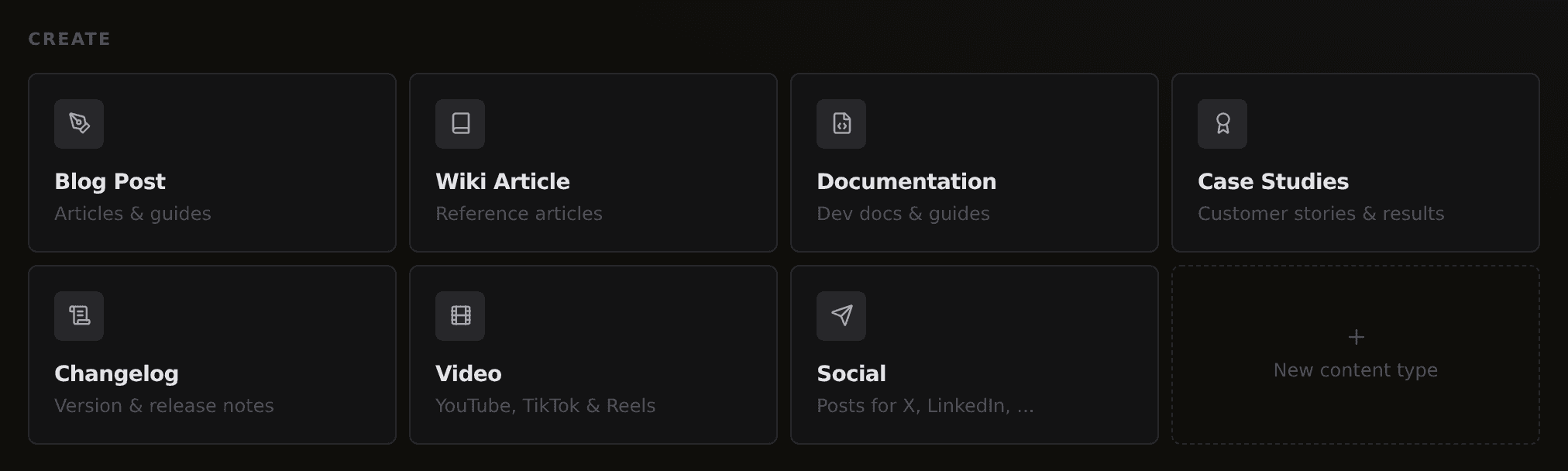
Each type you create is a first-class citizen of your site:
Its own URL section. A Case Studies type lives at yoursite.com/case-studies, with its own archive page, category pages, and sitemap entries.
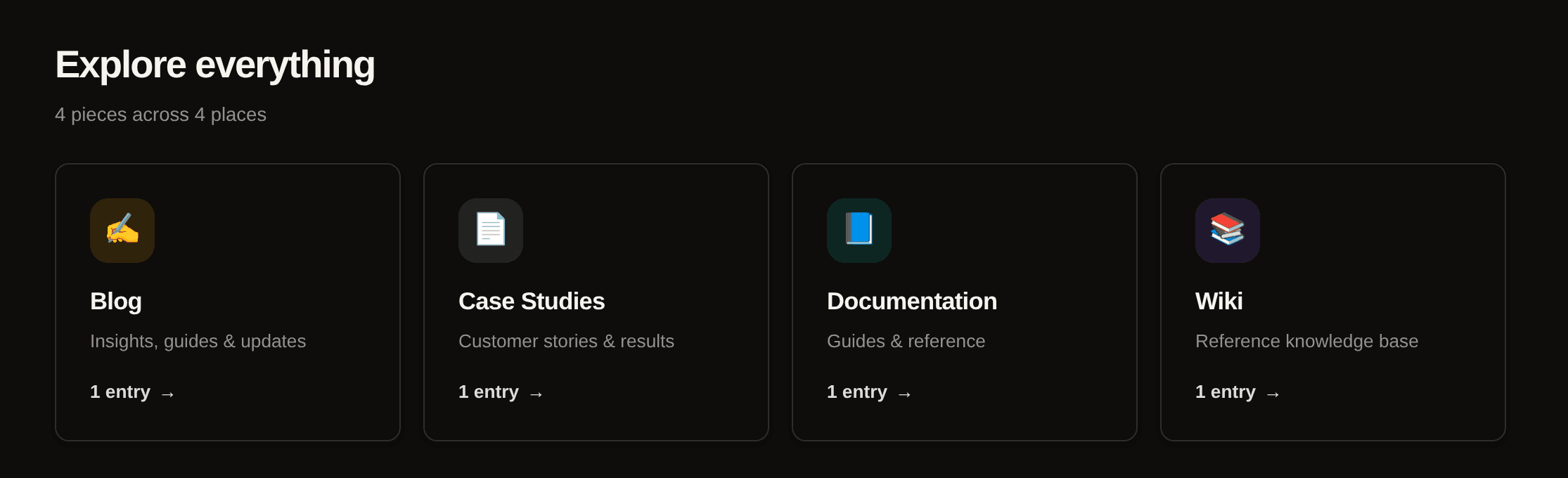
Its own look. Name, description, icon, and accent color, on the dashboard and on your public homepage hub.
Its own editor setup. Choose which blocks writers can insert for this type, so a glossary stays tight while a tutorial gets tables, video, and code blocks.
Its own structured data. Every page automatically carries the schema.org markup you pick for the type, such as Article or TechArticle, plus breadcrumbs, so search engines understand what each section is.
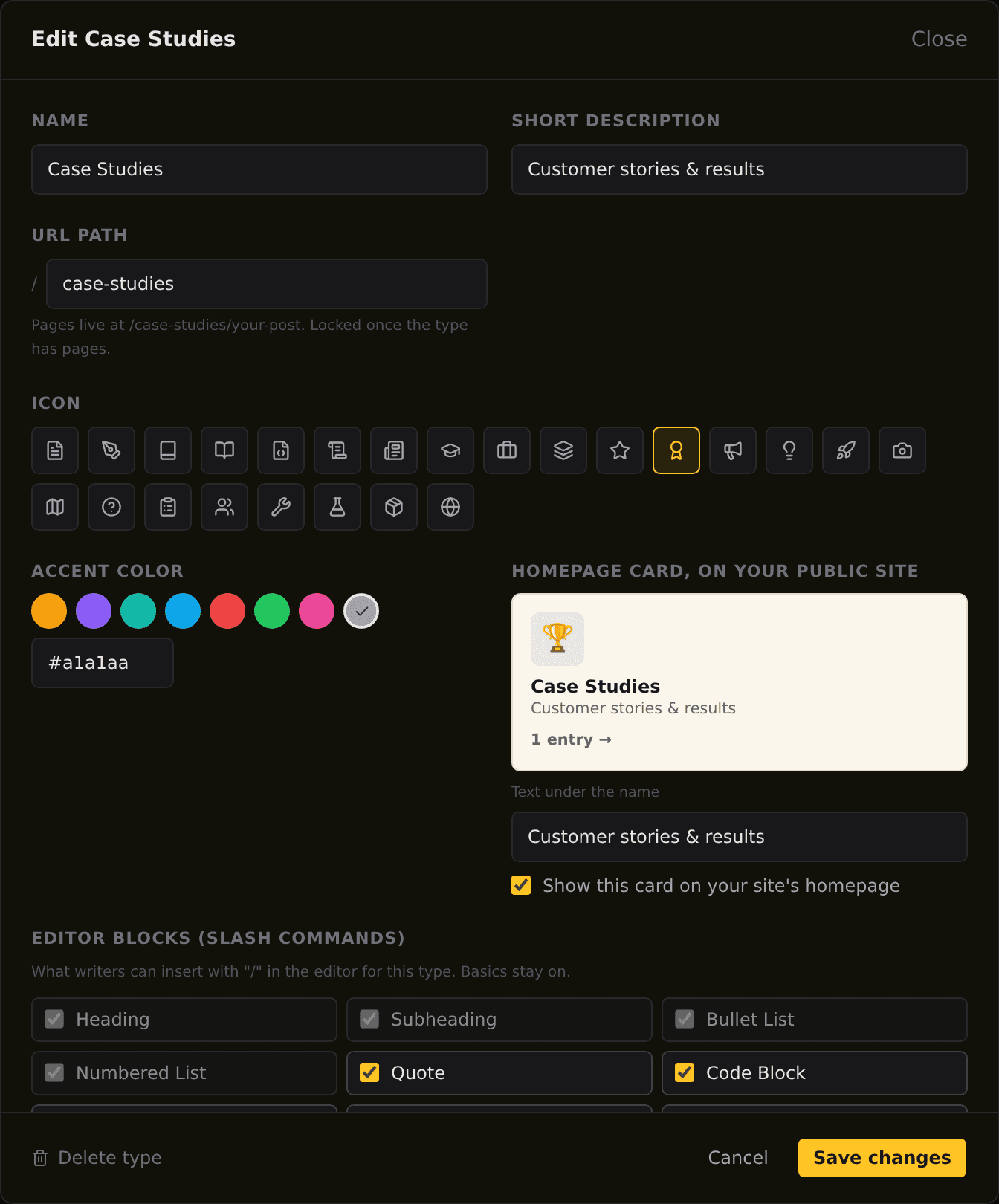
There is nothing to configure per page and no theme code to write. Create the type, and the editor, the archives, the structured data, and the hub card all follow.
How to decide which types you need
Resist the urge to create six sections on day one. A type earns its place when a real search intent keeps showing up that your blog serves badly:
Support questions keep reaching your inbox: you need documentation, and documentation SEO for SaaS shows how those pages earn search traffic too.
Your industry has vocabulary people google: you need a glossary, the pattern behind our own wiki.
Prospects ask "who else uses this": you need case studies.
Buyers compare you to alternatives: you need comparison pages.
Start with the one that answers the question you hear most often. Group its pages with topic clusters as it grows, and let the structure mirror how your audience thinks. The CMS used to be the constraint on that, and it no longer is.