Content refresh beats publishing more: how to update old posts
By BeeRanked · August 6, 2026 · Updated September 12, 2026
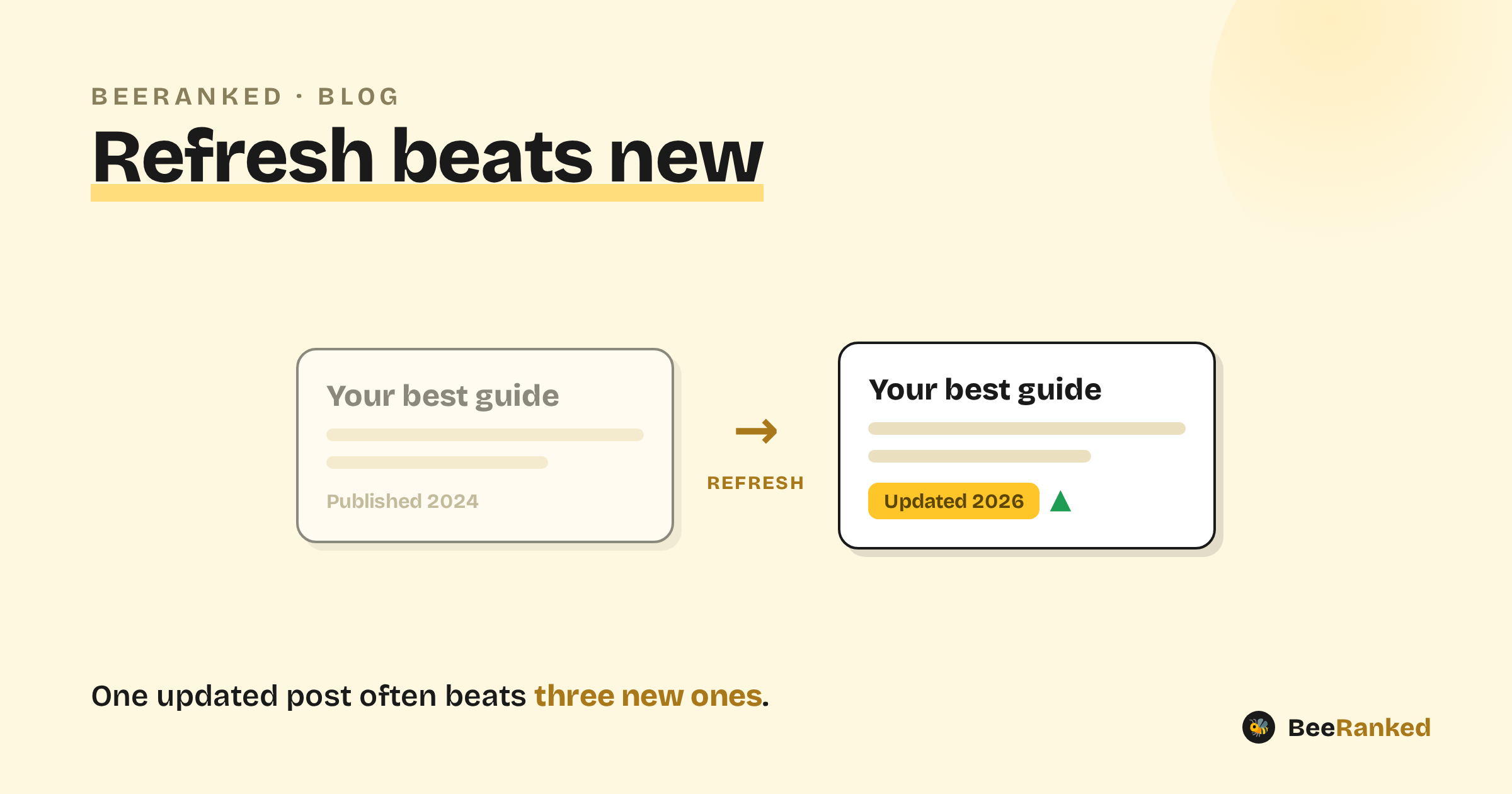
The instinct when traffic stalls is to publish more. Often the bigger win is sitting in posts you already have. Updating a strong-but-stale article usually beats writing a brand-new one, because the old page already has authority, links, and a track record. The work compounds.
Why refreshing works
A page that has been live for a year has things a new page does not: internal and external links, a crawl history, and whatever ranking signals it has earned. When you improve that page, all of that carries over. Search engines and AI answer engines already trust the page; you are handing them a better version of it. Accurate, current content is also what gets quoted, and a two-year-old statistic is a reason to be skipped.
Which posts to refresh first
Do not refresh at random. Prioritize:
Pages stuck on the edge of page one (positions roughly 5 to 20). They are close; a real improvement can tip them over.
Posts with decaying traffic that used to perform, the pattern we call content decay.
Anything with dated facts, old screenshots, or a stale year in the title or body.
Your pillar pages. In a topic cluster, the pillar is the page most worth keeping sharp.
How to refresh well
A refresh means work on the page:
Update facts, numbers, and citations, and re-verify every claim against a current source.
Add what is now missing (a section the topic has grown to need, a better example).
Improve the structure so it is quotable: a clear, liftable answer up top earns snippets and AI citations. That is Answer Engine Optimization applied to old content.
Fix broken links and, while you are in there, tidy anything hurting Core Web Vitals.
Show the update
When you make a meaningful update, surface it: a visible "Updated" date tells readers the content is current, and your sitemap's lastmod tells search engines to come re-crawl. (BeeRanked does both automatically, it keeps a stable original publish date and adds an "Updated" date when you revise a post.)
Only bump the date when you changed something. Editing a date with no change behind it fools nobody for long: readers notice, and search engines do not reward arbitrary date changes.
Keep the URL
Refresh the existing page at its existing URL. Republishing it as a new post, or changing the slug, throws away the authority you are building on. If a URL must change, use a redirect so the history follows.
Make it a habit
Put your top 10 to 20 pages on a review schedule (quarterly is plenty for most sites) and work through them. A steady refresh loop keeps your best content compounding while everyone else is busy publishing more posts that start from nothing.