Add a blog to an Adobe Portfolio site
By BeeRanked · November 12, 2026
Adobe Portfolio is a website builder for people whose work is visual, and Adobe is direct about what it leaves out: "If your site requires features like online stores, blogging tools, or extensive third-party integrations, you may want to explore other website platforms alongside Adobe Portfolio" (Adobe Portfolio help). Photographers and designers keep asking for a blog anyway, on the Adobe Community forum in 2020 and again in 2023. The answer that works is in Adobe's own domain documentation. Every Adobe fact below is from help.myportfolio.com, read on 11 October 2026.
What Portfolio is built for
Portfolio is included with Creative Cloud: "If you have an active/paid Creative Cloud subscription, you can use Portfolio at no additional cost", with "up to five portfolio websites" and a custom domain per site. There is "currently no stand-alone Adobe Portfolio subscription" (Adobe Portfolio help). Pages are built from modules, and the module list is "Image", "Photo Grid", "Video, audio, and embeds", "Lightroom photo", "Text", "Buttons and links", "Social icons" and "Contact form" (Adobe Portfolio help). There is no post module, no feed and no archive. A text page can hold an article, and that is as far as it goes.
The embed module is narrower than it sounds: "We currently only accept iFrame embed codes and do not accept embedding via URL or HTML" (Adobe Portfolio help). The 2020 Community answer to "How do I add a blog to my Adobe Portfolio?" was the one Adobe's page types allow: create a Link page and "Add that link to your navigation menu" (Adobe Community).
A subfolder is ruled out by Adobe
Adobe says it in one sentence: "While you can't have a subfolder while using a custom domain on Portfolio (like mydomain.com/files), you can utilize a subdomain (like files.mydomain.com) instead by adjusting your DNS settings" (Adobe Portfolio help). Portfolio is connected with four A records at your registrar, and the nameservers stay with the registrar ("you do not need to change nameservers"). Nothing in Portfolio's documentation forwards a path to another service, which leaves yourname.com/blog closed and blog.yourname.com as the documented pattern.
Put the blog on a subdomain
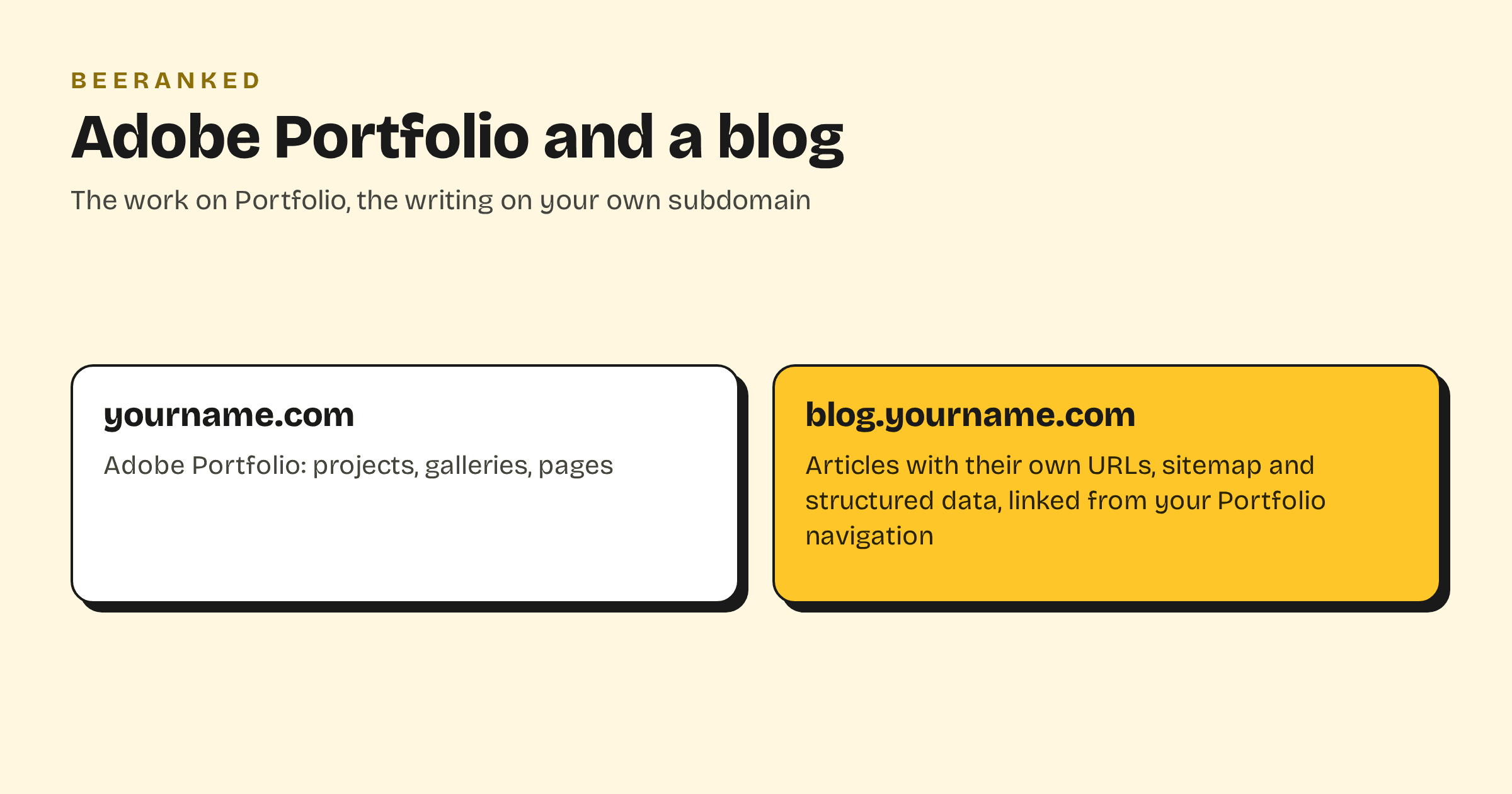
The Portfolio site keeps its domain and its four A records. The blog takes one more record.
In BeeRanked, open Settings, then Connect your site, and choose Subdomain. Type blog.yourname.com, or journal.yourname.com if that name fits the work better.
At your registrar, add a CNAME named
blogpointing atconnect.beeranked.online, DNS-only. Leave Portfolio's A records as they are; Adobe's instruction to remove stray records applies to the names Portfolio uses, and this is a different name.Leave the page open until the status flips to Ready, usually within minutes, then click Set as active. BeeRanked issues and renews the certificate.
In Portfolio, add a Link page that points at blog.yourname.com, and put it in the navigation, as Adobe's page types allow. Link back to your projects from the articles.
Each article gets its own URL, a sitemap entry, structured data and a canonical tag, and BeeRanked creates a redirect for you if a URL changes. Images in articles are served resized for the page, which matters when the pictures are the work. Serving on your own domain is a paid BeeRanked feature at $49 a month billed yearly; the free plan publishes at a BeeRanked address (BeeRanked pricing). Every option is covered in Get your content live.
What the blog does for a portfolio
A portfolio ranks for your name. Articles rank for what clients search: how a shoot is priced, what a brand needs before a logo, how long a wedding edit takes. Each one is a page that can be found by someone who has never heard of you, and each one links to the work. That is the reason to write, and it is why the articles should carry your domain and build its standing.
Google's written position on subdomains versus subdirectories is to "do whatever makes sense for your business" (Google Search Central); Subdomain or subfolder for your blog has the longer discussion. For a Portfolio site the subdomain is the route Adobe leaves open, and it is a good one.
The wider guide, with every builder side by side, is How to add a blog to the website you already have.