Controlling what AI crawlers see: GPTBot, Google-Extended, and your robots.txt
By BeeRanked · August 6, 2026 · Updated September 12, 2026
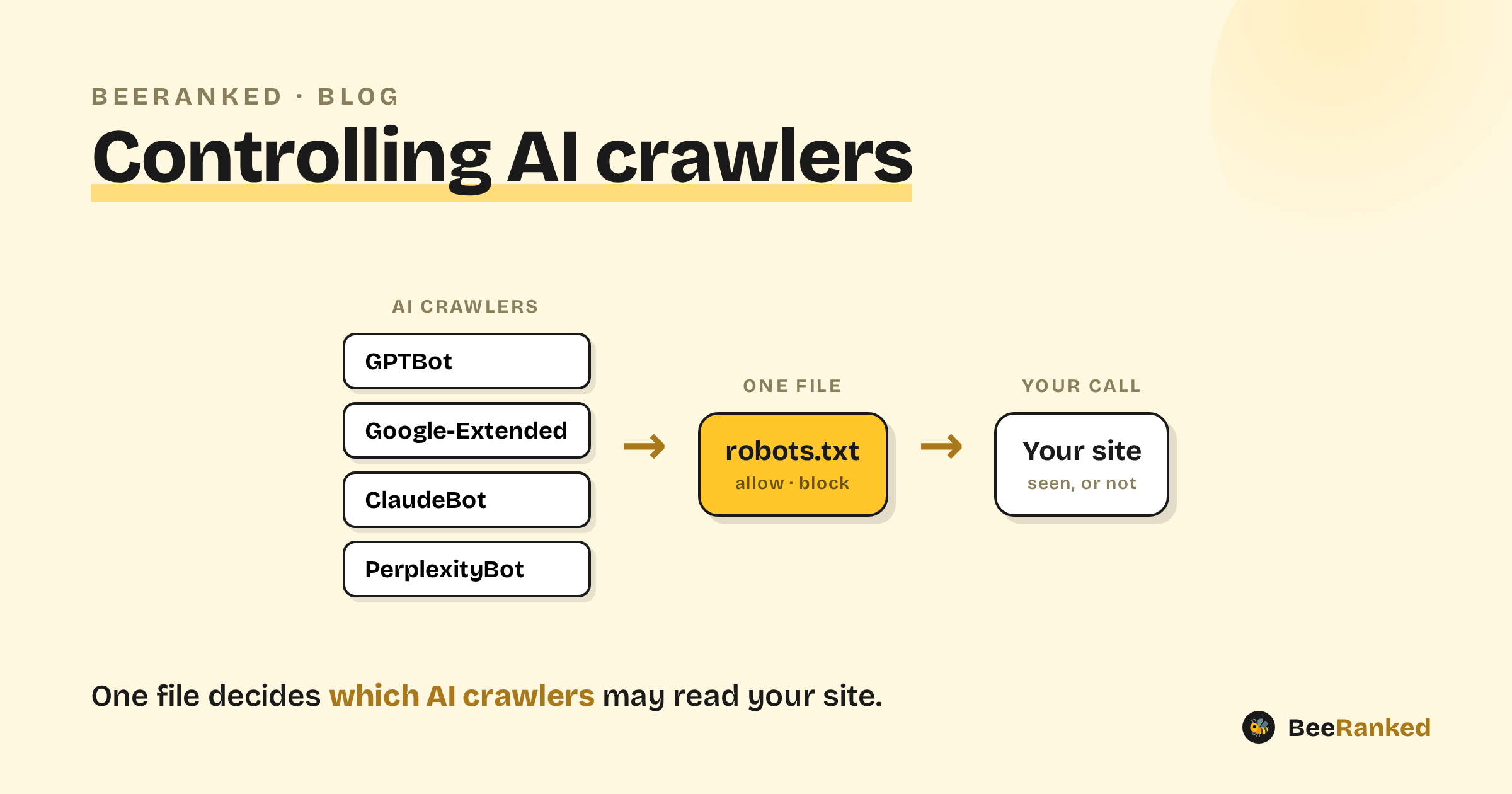
AI tools read the web through their own crawlers. ChatGPT, Gemini, Claude, and Perplexity each send out a bot to collect and fetch pages, and the content on your site is fair game unless you say otherwise. Deciding who gets in is a one-file job, and a business choice worth making deliberately.
Meet the AI crawlers
Each AI company publishes the name (the "user-agent") of its crawler so you can allow or block it in your robots.txt:
GPTBot, OpenAI's crawler for ChatGPT (OpenAI).
Google-Extended, Google's control for whether your content trains Gemini and appears in its AI features, kept separate from normal Search (Google).
ClaudeBot (Anthropic), PerplexityBot (Perplexity), and CCBot (Common Crawl, a dataset many models train on), each documented by its owner.
Training crawlers and retrieval crawlers
Not all AI crawling is the same:
Training crawlers collect pages to train a model. Blocking them keeps your content out of future training data.
Retrieval crawlers fetch a page to answer a user's question right now, and they often cite and link the source in the answer.
Blocking the first protects your content. Blocking the second removes you from the AI answers that would have sent people your way. Make the two decisions separately; one blanket rule cannot cover both.
How to allow or block a crawler
It is a few lines in the robots.txt file at the root of your domain. To block OpenAI's crawler entirely:
User-agent: GPTBot
Disallow: /
To allow everything except one section:
User-agent: GPTBot
Allow: /
Disallow: /private/
One limit: robots.txt controls crawling, and only for bots that choose to obey it. It does not control indexing, and it is not a security measure. For the full picture see our note on robots.txt.
Check what your file says
Reading a real robots.txt by eye is error-prone, and the common mistake is blocking a citing crawler while meaning to block a training one. We built a free AI crawler checker that reads your robots.txt and shows, for each documented AI crawler, whether it is allowed or blocked and which rule decides it. It takes about ten seconds and needs no signup.
The trade-off, and what we recommend
The decision comes down to what the content is for:
Block AI crawlers if you have proprietary, paid, or sensitive content you do not want feeding models or surfaced in AI answers.
Allow them if your goal is to be discovered. Being crawlable is the price of admission to AI answers, and being cited there is the new version of ranking. That is the idea behind Answer Engine Optimization and Generative Engine Optimization.
For most small and mid-sized businesses, and especially SaaS teams trying to grow, the right move is to allow the retrieval crawlers and focus on giving them clean, structured content worth quoting. You would not block Google from your marketing pages; blocking the engines people now ask questions of is the same mistake in a new coat.
Two related points so you do not overthink it:
Crawl budget is not a reason to block AI bots unless you run a very large site (tens of thousands of pages). For a normal site, the crawling is negligible. See crawl budget.
llms.txt is a separate, optional experiment for giving models a clean map of your best pages. It is not a substitute for
robots.txtand no major provider has committed to reading it yet. See llms.txt.
What to do
Open your robots.txt, or let our checker read it for you. Decide, per crawler, whether you want to be in the training data and in the live answers. Write the handful of lines. If you want to be found, let the answer engines in, and make your pages easy to understand once they arrive.