Headless blog CMS: who renders the page
November 17, 2026
A headless CMS stores content and hands it out through an API. Hygraph's definition is the standard one: "A headless CMS is a backend-only CMS that provides a "Content Repository" that makes content accessible to any platform or digital channel via an API" (Hygraph). Storyblok says the same with the consequence attached: it "stores the content and allows any frontend or device to consume it via APIs" (Storyblok). For a blog, the word to notice is "frontend". Someone has to build one, and for a blog that front end is where the search engine optimisation happens. Every claim and price below is from the vendors' own pages, read on 11 October 2026.
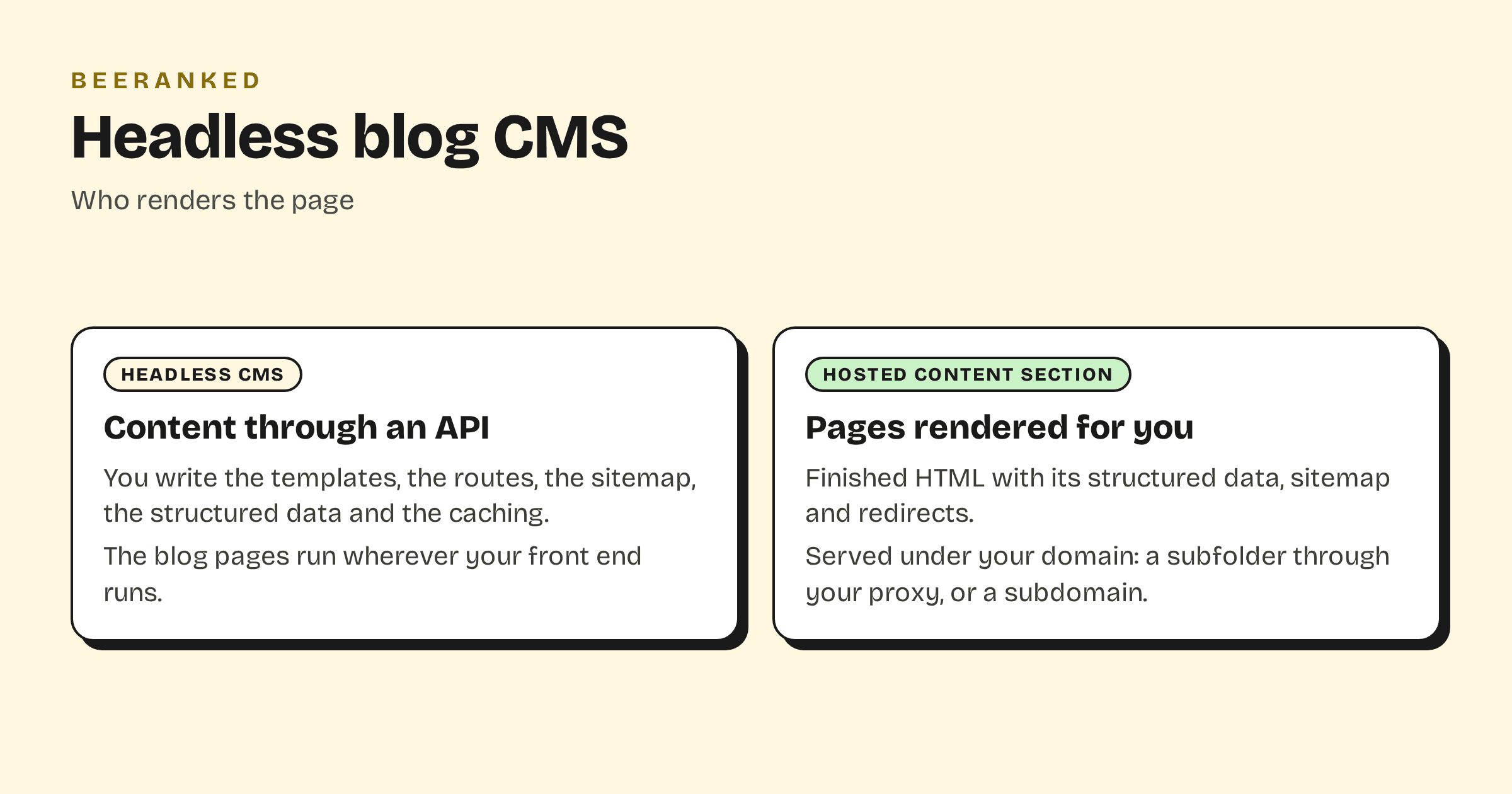
What a headless CMS gives a blog, and what it leaves out
The CMS side is complete. Sanity hosts a "real-time content database" and the editing Studio, free with 10k documents and 250k API requests a month, with Growth at "$ 15 per seat / month" (Sanity pricing). Hygraph's Hobby plan is $0 with 1,000 entries, and Growth starts at "$ 199" a month (Hygraph pricing). Storyblok's Starter is free with one seat, and Growth is "$99.00 /mo" (Storyblok pricing). Strapi's Community edition is free and MIT-licensed, and Strapi Cloud starts at "$35" per project a month (Strapi Cloud pricing). Contentful answered our requests with a security checkpoint, so no Contentful figure is given here.
The front-end side is a list of things a blog page has to do before it can rank, and none of them ships with the API:
A page per post and a listing per category, with the right status codes, on routes you define.
A title and a meta description per page, written by the author and placed by your template.
Structured data: an Article or BlogPosting object with author, dates and image, plus breadcrumbs.
A sitemap that updates when a post is published and drops a post when it is unpublished.
A 301 redirect whenever a slug changes, kept for as long as the old URL is linked from anywhere.
Image sizes for each viewport, served with width and height so the layout does not shift.
Caching and purging, so an edit shows up without a full redeploy and a flood of bots does not reach the API.
Vercel's WordPress example for Next.js shows the shape of that work, with its "sitemap.ts", "robots.ts", redirects in middleware and a catch-all "[[...slug]]" route (Next.js examples). That is ordinary code, and it is also code that nobody on a marketing team can change, that has to be written again when the framework changes, and that goes stale on a site that writes it once and moves on.
When a headless CMS is the right call
When the content is the product, or part of it. A documentation site whose pages drive an in-app help panel, a catalogue that feeds a mobile app and a website from one source, a site where the design system is custom and the content has twenty field types. There, the rendering layer is worth owning, and a headless CMS is the clean way to separate writing from building. Sanity's docs describe a "Next.js App Router front end" and a Studio "with no front end" as two normal setups (Sanity docs), and both are.
Ghost is the half-way case. It renders its own site and also exposes a Content API that "delivers published content to the world and can be accessed in a read-only manner by any client" (Ghost docs). Hashnode does the same for developer blogs: "Headless mode" is a Pro feature at "$ 5 / month", and its starter kit can be "deployed anywhere, including a subpath of a custom domain" (Hashnode, Hashnode starter kit). Both give you a renderer you can switch off.
The other way round, a hosted section with an API
BeeRanked is a hosted content section, and the difference from a headless CMS is which half is done for you. The pages are rendered by BeeRanked and served under your domain, as a subfolder through a rule in your proxy or host, as a subdomain through one DNS record, or at a BeeRanked address on the free plan. Each page is finished HTML with the list above built in: title and description, Article and breadcrumb structured data, a sitemap that updates on publish, redirects on URL changes, sized images and translations. The content is also readable through a read-only API and an MCP server, so an app or an agent can reach it the way it would reach a headless CMS. Standard is $49 a month billed yearly (BeeRanked pricing).
What you give up is the custom rendering layer. The templates are BeeRanked's, themed with your colours and fonts and a plugin for anything else. If the blog needs a bespoke design or custom field types that the app reads, a headless CMS is the better fit.
Side by side
| Feature | Sanity, Hygraph, Storyblok, Strapi, Contentful | Ghost, Hashnode (headless) | BeeRanked |
|---|---|---|---|
| Content API | Yes | Yes | Yes, read-only, plus MCP |
| Renders the blog pages | You | Their renderer, or you | BeeRanked |
| Titles, JSON-LD, sitemap, redirects | Your code | Theirs when rendered by them | Included |
| Custom templates | Fully yours | Themes | Theme, plugin |
| Entry price | Free tiers; $15 to $199 per month paid | $18/mo yearly; $5/mo | Free; $49/mo yearly for your domain |
| Serves under your path | Wherever your app runs | Ghost: Business + $50/mo; Hashnode: subpath via starter kit | Subfolder, subdomain or hosted |
Choosing
Use a headless CMS when you will build and keep the front end, because the content is part of what you ship. Use a hosted section when the blog is meant to rank and the team's time belongs to the product; the rendering, and the seven items above, are done once and kept current for every page. The mount for Next.js, Astro and the common hosts is in How to add a blog to the website you already have, and Best blog CMS for a Next.js site compares the specific tools.