Best blog CMS for a Next.js site
November 11, 2026
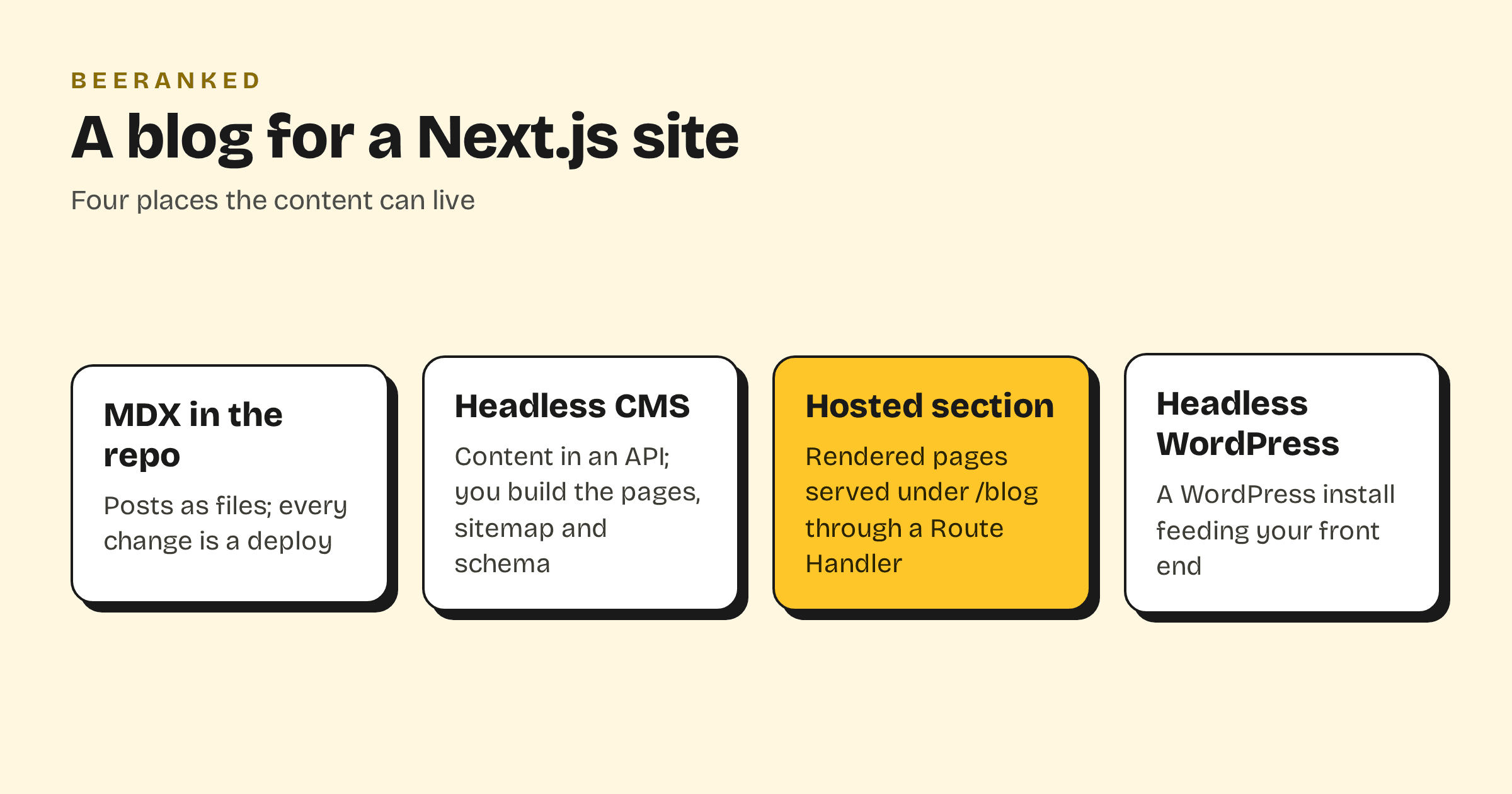
A Next.js site needs a place for its blog posts to live, and the choice comes down to who renders the pages. With a headless CMS you get an API and build the pages, the sitemap and the structured data yourself. With content files in the repo you get the same work plus a deploy per edit. With a hosted content section you get finished pages served under a path of your site. The options below are compared on what each one stores, what it renders, what it costs at the entry level and how it reaches a Next.js app, with every price and claim taken from the vendors' own pages on 11 October 2026.
What the question is
The Hacker News thread "Simplest CMS for blog type website" from March 2023 puts it plainly: "I wanted to create some some sort of travel blog with Next.js or similar stack that I'm familiar with", with the condition that someone else "could write up stories and publish them on a daily basis" (Hacker News). The developer wants to keep the stack. The writer wants an editor. The site wants pages that rank. Any option that serves one of the three at the expense of the others gets replaced within a year.
A headless CMS puts the content in an API and the pages on you
Sanity's docs describe the integration as "Integrate Sanity with your Next.js app" through the next-sanity client (Sanity docs). The free plan is "$ 0 forever" with "Up to 20 user seats", 10k documents and 250k API requests a month; Growth is "$ 15 per seat / month" (Sanity pricing). Sanity hosts the content database and the editing Studio; the public pages are yours to build and host.
Strapi is "an open-source headless CMS where developers can build custom applications and manage content through an extensible admin panel" (Strapi docs). The Community edition is free under the MIT licence for everything outside the ee/ directory; Strapi Cloud starts at "$35" "per project / month" with "100k API requests" and a runtime that "Sleeps when idle" (Strapi Cloud pricing). Hygraph's Hobby plan is $0 with 1,000 entries and 500,000 API calls, and Growth starts at "$ 199" per month (Hygraph pricing). Storyblok's Starter is free with one seat and 100k API requests; Growth is "$99.00 /mo" (Storyblok pricing). Contentful's site answered our requests with a security checkpoint, so its prices are left out here.
In every case the deliverable is the same: a JSON or GraphQL endpoint. The blog route, the listing, the per-post title and description, the sitemap, the JSON-LD, the redirects when a slug changes and the image sizes are code in your repo. Vercel's own WordPress example shows the shape of it, with its "sitemap.ts", "robots.ts" and a catch-all "[[...slug]]" route (Next.js examples). That is a fine week of work if the blog is central to the product. It is a strange week of work if the blog exists to bring in search traffic while the team builds something else.
Payload and Keystatic keep the content inside the Next.js app
Payload calls itself "the Next.js fullstack framework" and installs into "a new or existing Next.js app" (Payload docs). It is MIT-licensed and self-hosted: "Anywhere you can run a Next.js app, you can run Payload." Since Payload joined Figma, new Cloud deployments are "currently paused" and existing customers will "need to migrate" eventually (Payload). You get an admin panel and a database layer inside your app, and you still render the pages.
Keystatic takes the no-database route: "A tool that makes Markdown, JSON and YAML content in your codebase editable by humans" (Keystatic). It is MIT-licensed, the Cloud is free for up to three users and Pro starts at $10 a month (Keystatic docs). Every published post is a commit and a build, which suits a developer's own blog and suits a marketing team less.
Ghost and headless WordPress
Ghost renders and serves a site on its own, and it can also feed a Next.js front end: its Content API "delivers published content to the world and can be accessed in a read-only manner by any client to render in a website, app, or other embedded media" (Ghost docs). Ghost(Pro) starts at "$ 18" a month billed yearly, and a subdirectory install on your domain is a "$50/month addon only available on our Ghost(Pro) Business plan" at $199 a month (Ghost pricing). Going headless with Ghost means paying for a renderer you then do not use.
WordPress has the REST API, "the foundation of the WordPress Block Editor" (WordPress developer docs), and the WPGraphQL plugin that "separates your CMS from your presentation layer" (WPGraphQL). The software runs "over 43% of all sites across the web" (WordPress.org), which is why so many Next.js sites inherit one. Headless WordPress keeps the editor writers know and adds a second system to host, patch and secure, plus the front-end work above.
A hosted content section serves finished pages under your path
BeeRanked renders the pages for you and serves them under a path of your Next.js site, or on a subdomain, or at a BeeRanked address on the free plan. Each page arrives as finished HTML with its structured data, sitemap entry, canonical URL and image sizes, and a redirect is created for you when a URL changes. Writers get an editor and a scheduler; an AI agent can write through MCP. Standard is $49 a month billed yearly (BeeRanked pricing).
On Next.js the subfolder needs more than a bare rewrite. The rewrites config can send "/blog/:slug" to an external URL (Next.js docs), but it cannot add a request header, and the mount identifies your site by three request headers. The Next.js proxy file can set request headers for rewrite destinations (Next.js docs), and on Vercel a routes transform with "request.headers" and "op" : "set" does the same at the edge (Vercel docs). A Route Handler that fetches the page and returns it works everywhere. The working configurations, with the generated block for each host, are in Add a blog to a Next.js or React site.
Side by side
| Feature | Sanity, Hygraph, Storyblok | Strapi | Payload, Keystatic | Ghost | Headless WordPress | BeeRanked |
|---|---|---|---|---|---|---|
| Renders the blog pages | You | You | You | Ghost, or you | You | BeeRanked |
| Sitemap, JSON-LD, redirects | Your code | Your code | Your code | Ghost's, lost when headless | Plugins or your code | Included |
| Writer's editor | Yes | Yes | Yes | Yes | Yes | Yes |
| Entry price | Free; $15 per seat, $199, $99 | Free self-hosted; Cloud $35 | Free, self-hosted | $18/mo yearly | Free software, your hosting | Free; $49/mo yearly for your domain |
| Runs on your domain | Wherever your app runs | Wherever your app runs | Inside your app | Subdomain; subfolder on Business | Wherever your app runs | Subfolder, subdomain or hosted |
Which one
Pick a headless CMS when the content is part of the product and your team will keep writing the rendering code. Pick Payload or Keystatic when the developer is the writer. Pick a hosted section when the blog's job is search traffic and nobody wants to own a sitemap generator, and when you want the pages to keep ranking under your domain whatever framework the site moves to next. How to add a blog to the website you already have covers the mount for every host, and Best CMS for SEO in 2026 compares the platforms on what their pages ship with.