hreflang and multilingual SEO without the mess
By BeeRanked · August 6, 2026 · Updated October 24, 2026
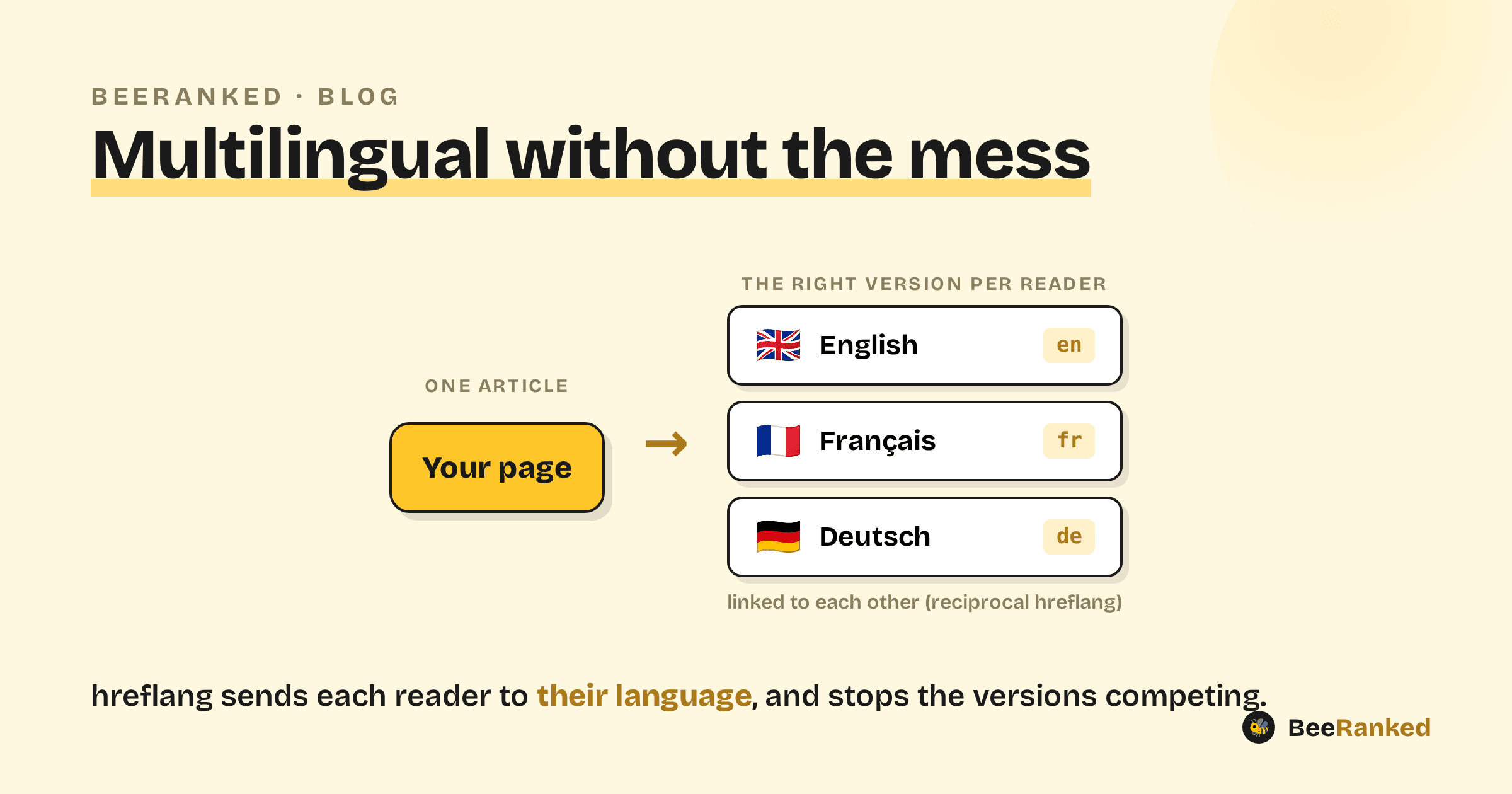
Publishing in more than one language is one of the cleaner growth levers there is: the same content, a new audience. Done carelessly, though, it backfires, your language versions compete with each other in search, and readers land on a page they cannot read. The tool that prevents both is hreflang, and it has a reputation for being fiddly. The rules are simple, and every one of them has to hold at once.
What hreflang does
hreflang tells search engines which language and region each version of a page is for, so a French searcher gets the French page and an English searcher gets the English one. It also groups the versions together, so Google treats them as translations of one thing instead of duplicates fighting over the same spot.
The four rules that matter
Self-reference. Each page must list every version, including itself. A page that does not point to itself is ignored.
Reciprocal. If the English page points to the French one, the French one must point back. Links must go both ways or Google drops the annotation.
Correct codes. Use a language code (
en), optionally with a region (en-gb,es-mx). Get these right,en-ukis not valid; the country code for the UK isgb.x-default. Add an
x-defaultentry pointing to your fallback (often a language picker or your main-language page) for readers who match none of your locales.
The mistake that breaks it
Nine times out of ten, broken hreflang comes down to non-reciprocal or partial annotations, a page added in one direction but not the other, or a new language launched without updating the existing pages to point at it. One missing return link can invalidate the whole cluster. If hreflang "is not working," check reciprocity first.
Where to put it
You have three options: <link> tags in the HTML head, entries in your XML sitemap, or an HTTP header. Pick one and be consistent. Head tags or the sitemap are the simplest to keep in sync; the HTTP header is mainly for non-HTML files like PDFs.
hreflang and canonical do different jobs
This trips up even experienced teams. Each language version is its own page and should be canonical to itself. A common and damaging mistake is setting the French page's canonical to the English URL. That tells Google the French page is a duplicate of the English one, and it drops the French version from search. Rule of thumb: canonical points a page at itself; hreflang points it at its siblings.
Translate for readers
hreflang gets the right page to the right reader, but the page still has to be worth reading. Machine-translated filler ranks and converts poorly. Localize properly, with real translation, local examples, and local currency, so the version earns its place. If you translate at scale, keep quality control in the loop.
Keep the versions in sync
When you update the source article, update the translations, or at least flag them as needing it. Language versions drift apart over time, and a French page that is a year behind the English one slowly stops being trustworthy. (BeeRanked keeps translated pages as linked copies of the original and wires up the hreflang between them, so the plumbing is handled and you can focus on the words.)
Checklist
hreflang fails on half-measures. List every version on every page, make the links reciprocal, use valid codes, add an x-default, and never canonicalize one language to another. Get those right and every extra language is a gain.
The translation flow in the studio, from adding a language to the French drafts, is in the video One blog, every language you sell in.