Add a blog to a Framer site
By BeeRanked · October 14, 2026
Framer builds a fast marketing site, and its CMS can run a blog inside it. The blog may need to live somewhere else: because the CMS limits are in the way, because the writing happens in another tool, or because you want the blog on a path Framer cannot serve. Every fact below comes from Framer's own help centre and pricing page, fetched in September 2026.
What Framer's own blog gives you
Framer's CMS stores posts as items in a collection, and the item's slug "defines the item's URL segment". The blog template publishes at a path such as /blog/:slug. The limits come from the plan. Framer's pricing page puts it this way: "Projects on the Free plan include access to 10 CMS collections, 1,000 pages, 5 MB file uploads, and one free locale to try." The Basic plan lists 2 collections and 1,000 items, Pro lists 10 collections and 2,500 items, and add-ons extend Pro to "up to 40,000 CMS items".
A custom domain is a paid feature as well: "By default, your website is hosted on a Framer subdomain, which cannot be customized." So a blog that stays inside Framer lives inside those limits and on that plan.
Why a subfolder is hard on Framer
Framer's rewrite rules let one project serve a path of another. The help centre's example is "A separate Framer blog at example.com/blog", with the condition that "A target Framer project must have a paid plan and be published to either a custom domain or a Framer subdomain". The rule serves content "from another Framer project or an external source", but the documented targets are Framer projects, and the collection paths "must match between the rewrite rule and the origin project".
There is one documented way to put Framer behind something you control. Framer's guide to self-hosting with a reverse proxy describes serving Framer under your own proxy, with two warnings worth copying: "Align paths when using subpaths", and "Avoid trailing slashes", because "Framer's client-side routing expects consistent paths". It adds: "Advanced Hosting is currently available on Pro and Enterprise plans." If you run that proxy, you own the routing, and a blog path can go to any origin you like.
Route 1: a subdomain, one DNS record
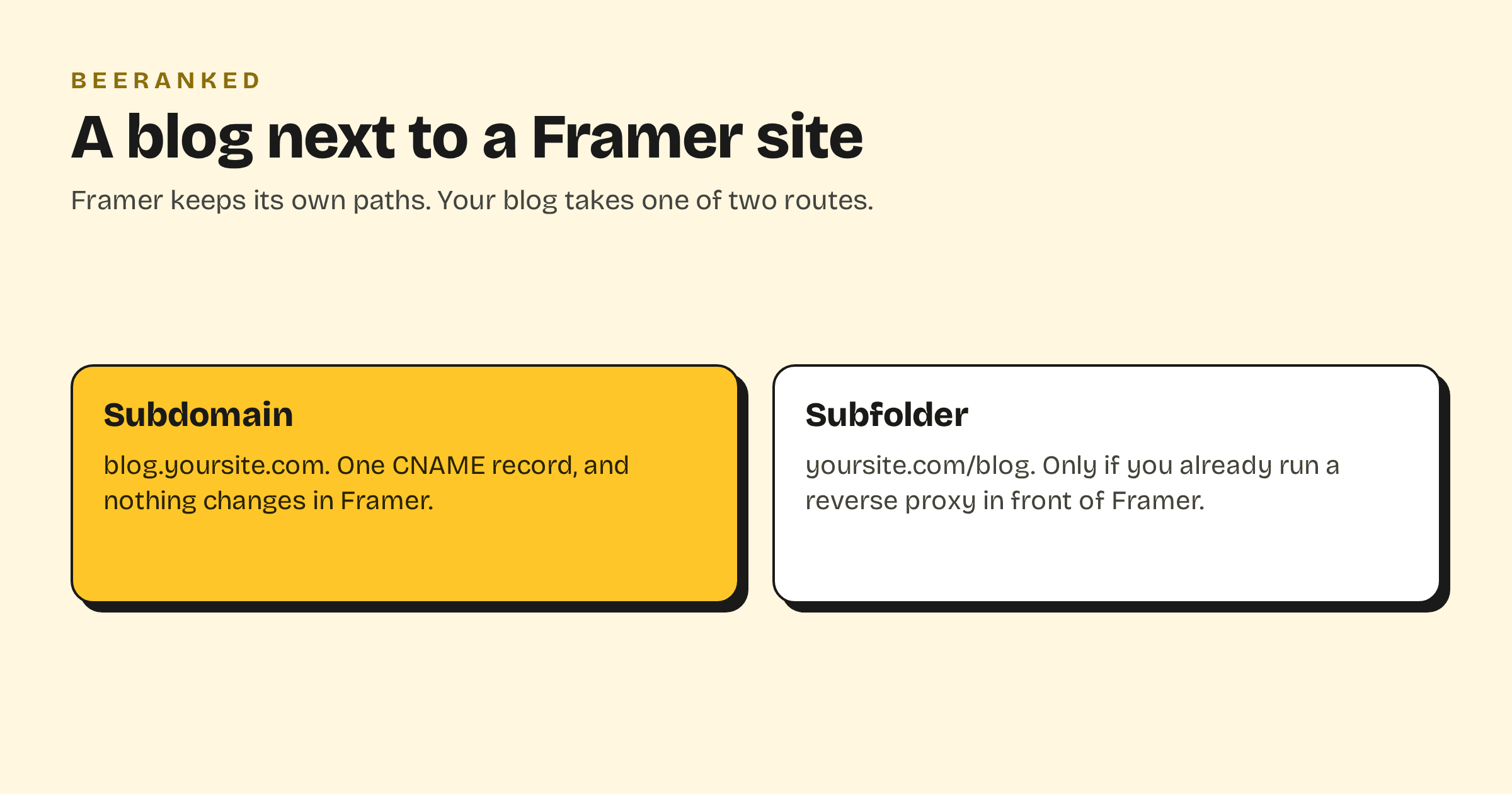
For a site on Framer's own hosting, which is the default, this is the answer. The blog lives at blog.yoursite.com or content.yoursite.com, on your domain, with nothing changed in Framer.
In BeeRanked, open Settings, then Connect your site, and choose Subdomain. Type the subdomain you want.
At your DNS host, add the record BeeRanked shows you: a CNAME named
content(orblog) pointing atconnect.beeranked.online, DNS only, no proxy.Wait for the status to flip to Ready, usually a few minutes, then click Set as active.
BeeRanked issues and renews the certificate. Add a link to the blog in your Framer navigation, and link back to your Framer pages from the articles, so the two halves count as one site. Serving on your own domain is a paid BeeRanked feature; the free plan publishes at a BeeRanked address.
Route 2: a subfolder, if you already run a proxy in front of Framer
If your site is on Framer's Advanced Hosting behind your own reverse proxy, you have the one thing a subfolder needs. In BeeRanked choose Subfolder, enter your domain and the path, for example /blog, and copy the block BeeRanked generates for Caddy, nginx, Apache or Traefik. Paste it next to the rule that forwards everything else to Framer, and reload. The path now serves the blog under yoursite.com/blog, and every canonical, sitemap entry and internal link is written for that address.
Keep Framer's two warnings in mind for the proxy as a whole: consistent paths and no trailing slashes. The BeeRanked block only claims the one path you give it.
Which route
Choose the subdomain if you publish from Framer's own hosting, the default. Choose the subfolder only if you are already on a proxy you control. The trade-off between the two, and what Google has said about it, is in Subdomain or subfolder for your blog. Whichever you pick, the blog comes with structured data, an automatic sitemap, managed redirects and translations, and you can move from one route to the other later; the redirects are created for you.
The wider guide to adding a blog to a site you already have, with every platform side by side, is How to add a blog to the website you already have.