WordPress alternative for blogging on your own domain
October 13, 2026
WordPress runs a large part of the web, and for a blog it remains the default answer. The price is a server to keep, a stack of updates to apply and a plugin folder to worry about, for something that in the end is a list of articles. If you want the blog on your own domain without the rest, the options below, WordPress included, are the ones to compare.
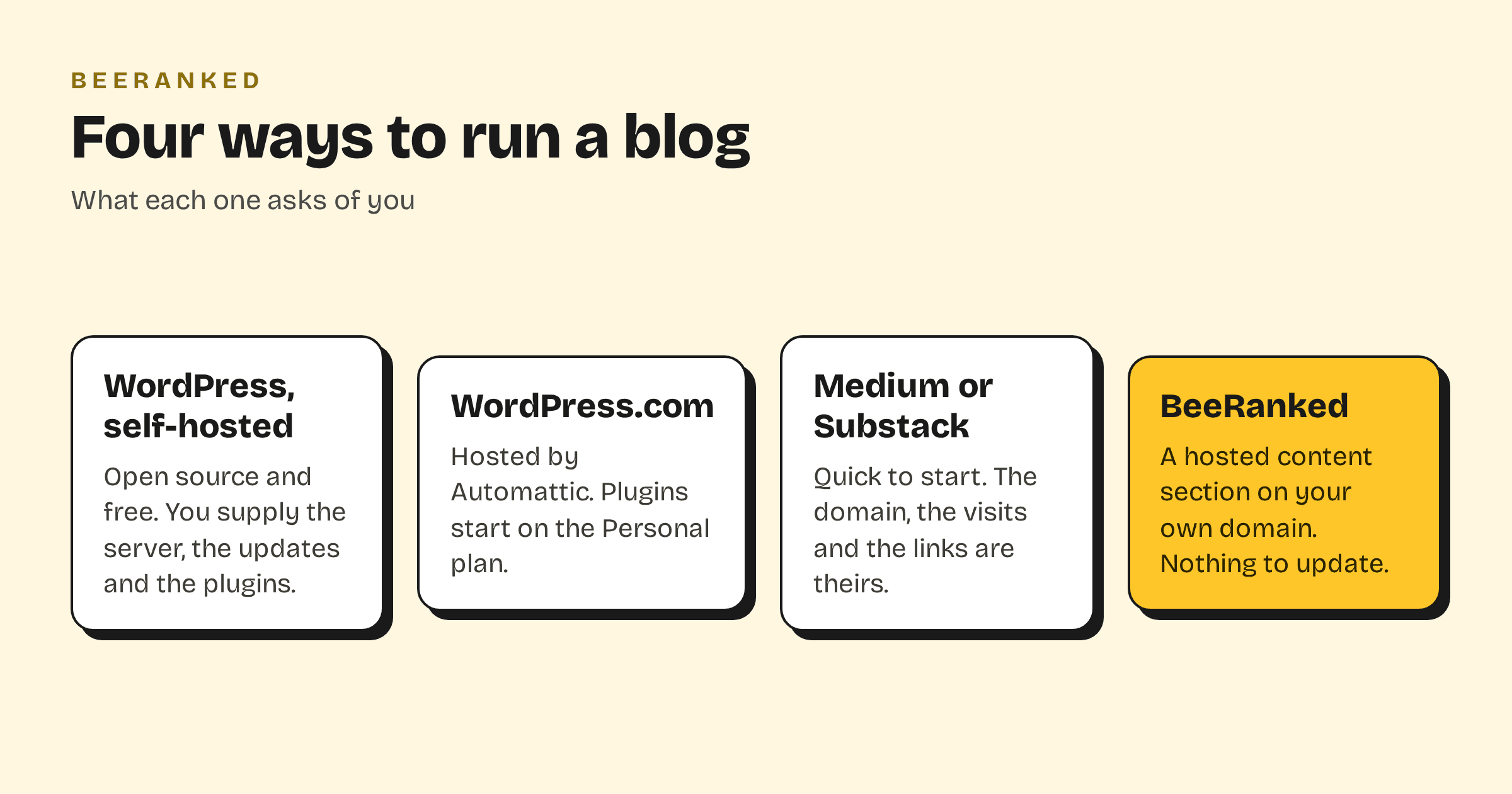
What WordPress is, in its own words
WordPress.org describes the software as open source, "built on PHP and MariaDB, and licensed under the GPLv2", and says it is "the platform of choice for over 43% of all sites across the web" (WordPress.org). The software is free. What you pay for is everything around it: hosting, a theme, the plugins that add what the core lacks, and the time to keep all of it current.
There is also a hosted version. Automattic, headquartered in San Francisco, "owns and operates WordPress.com, which is a hosted version of the open source WordPress software with added features for security, speed and support" (Automattic press page). On its pricing page the free plan does not include plugin installs; the Personal plan is the first that does, at 4 euros a month when billed yearly, as shown to a visitor from Belgium in September 2026.
What an alternative has to do
Leaving WordPress only makes sense if the replacement covers the reasons people chose it. For a blog that exists to bring search traffic, the list is short.
The blog lives on your own domain, as a subfolder or a subdomain, so what it earns stays with your site.
Nobody has to update anything. Security patches, plugin conflicts and PHP versions stop being your problem.
The technical SEO is done by the platform: structured data, sitemaps, canonical URLs, redirects when a URL changes.
Your existing posts come along, with their URLs redirected.
You can leave again. Your content is yours to export.
The options, side by side
| Self-hosted WordPress | WordPress.com | Medium, Substack | BeeRanked | |
|---|---|---|---|---|
| Your own domain | Yes | Yes, on paid plans | No, or a custom domain on their platform | Yes: subfolder or subdomain |
| Who runs updates | You, or your host | Automattic | Them | BeeRanked |
| Plugins to manage | Yes | From the Personal plan | None | None |
| SEO plumbing | Plugins and theme | Built in, with plugins for more | Theirs | Built in on every page |
| Import your posts | From most sources | From WordPress and others | Limited | From any blog with a sitemap or feed |
| Software cost | Free, plus hosting | From 4 euros a month, yearly | Free, or a cut of subscriptions | From 49 dollars a month, yearly |
Medium and Substack are in the table because they turn up next to WordPress in the same searches. They are the fastest way to publish, and the reason to move off them is the first row: the domain, and therefore the search traffic, belongs to them. We wrote about that in Make content rank on your domain.
Where BeeRanked fits
BeeRanked is a hosted content section that attaches to the site you already have. Your site stays as it is. The blog is served at yoursite.com/blog through a proxy rule you paste, at blog.yoursite.com through one DNS record, or at a BeeRanked address if you want nothing to set up. Every page ships as clean HTML with its structured data, an automatic sitemap, managed redirects and, if you want them, translations. Writing happens in the studio, or from an AI agent through MCP. There is no plugin folder because there are no plugins.
BeeRanked does not build websites. If you need the whole site rebuilt, or a shop, or a members' area, WordPress and its alternatives cover ground BeeRanked leaves alone. If you need the blog, and you want it to rank, that is the whole product.
Moving a blog over
The importer takes the address of your current blog, reads its sitemap and feed, and brings the posts in as drafts, with titles, dates, authors and images, for you to review before anything goes live. You can try it on your own blog with the free content importer before you sign up.
Rankings survive a move when the URLs do. Keep the same paths where you can, and where a path has to change, BeeRanked creates the redirect; Keep your rankings when URLs change explains the mechanism, and Change your domain without losing rankings covers the larger move.
If you are still deciding
Stay on WordPress if you rely on a plugin nothing else offers, or if the blog is one part of a site that already runs well on it. Move if the blog is the point, if updates and security have become a job, or if you want to publish on your domain from a platform whose job is search. Start with the live demo; it needs no sign-up.