Orphan page
By BeeRanked · August 20, 2026 · Updated September 12, 2026
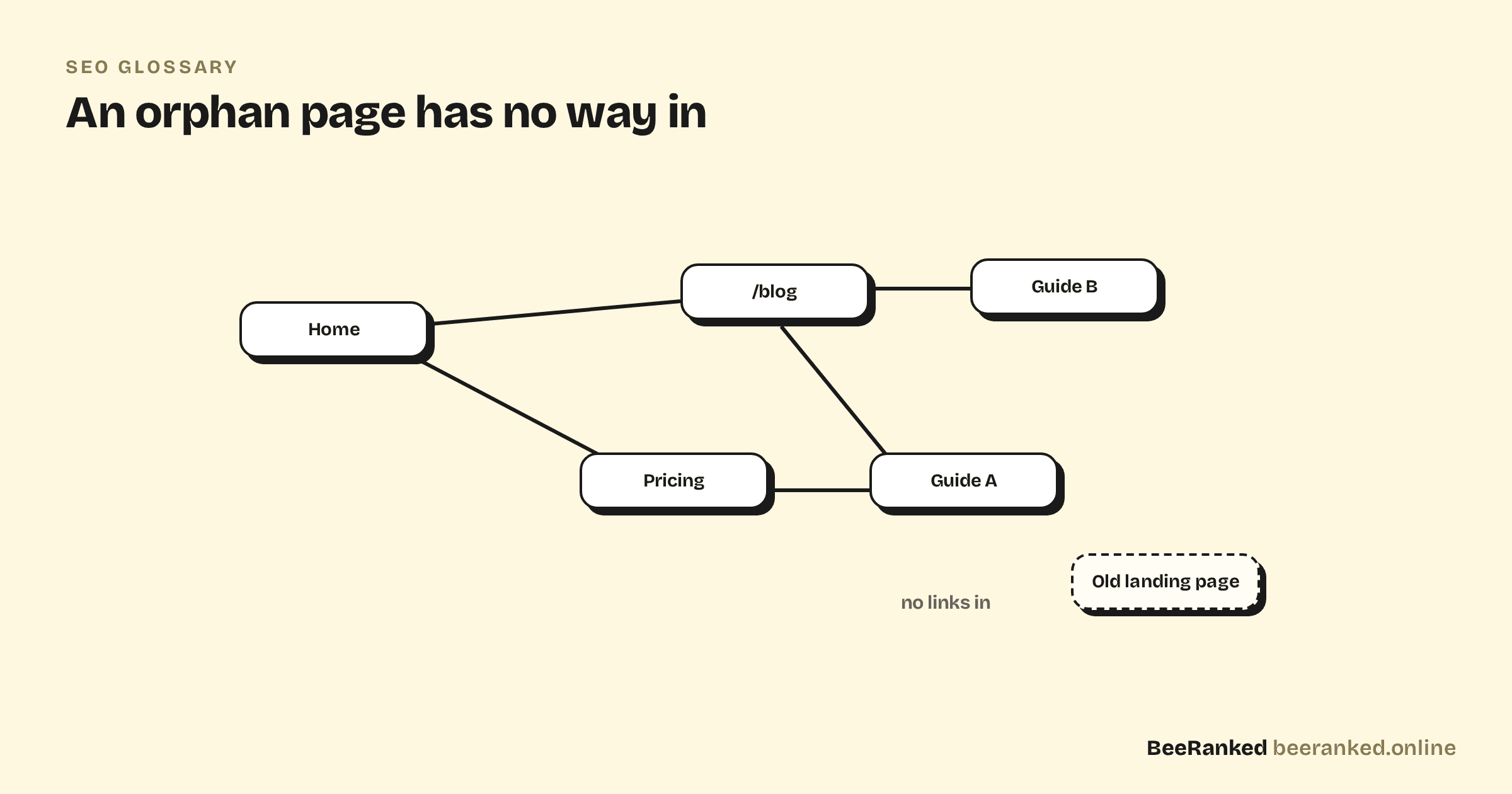
An orphan page is a page with no internal links pointing to it. It exists on your site, it may even be in your sitemap, but nothing on the site itself leads there. For crawlers and visitors alike, it is a room with no door.
Why orphan pages are a problem
Search engines discover and evaluate pages largely by following links. Google's guidance is blunt: "Every page you care about should have a link from at least one other page on your site." A page nothing links to gets crawled rarely, receives no share of your site's internal authority, and signals that even you do not consider it important. An XML sitemap can get an orphan discovered, but discovery without links is a weak case for ranking.
How pages become orphans
Rarely on purpose. The common causes: a page is removed from navigation during a redesign, a campaign landing page outlives its campaign, a post's only inbound link lived in another post that got deleted, or content is migrated and the old cross-links never come with it.
Finding and fixing them
Compare the list of pages you have (your CMS or sitemap) against the pages your internal links reach; anything in the first list but not the second is an orphan. Site crawlers automate this comparison. The fix is ordinary internal linking: link the page from its topic's hub, from related posts, or from navigation, using anchor text that says what it is. If nothing on your site has a natural reason to link to a page, ask the harder question of whether the page should exist at all.
BeeRanked's internal links manager shows your content as a graph, which makes orphans visible the moment they appear: they are the dots with no lines in.